

Product Introduction
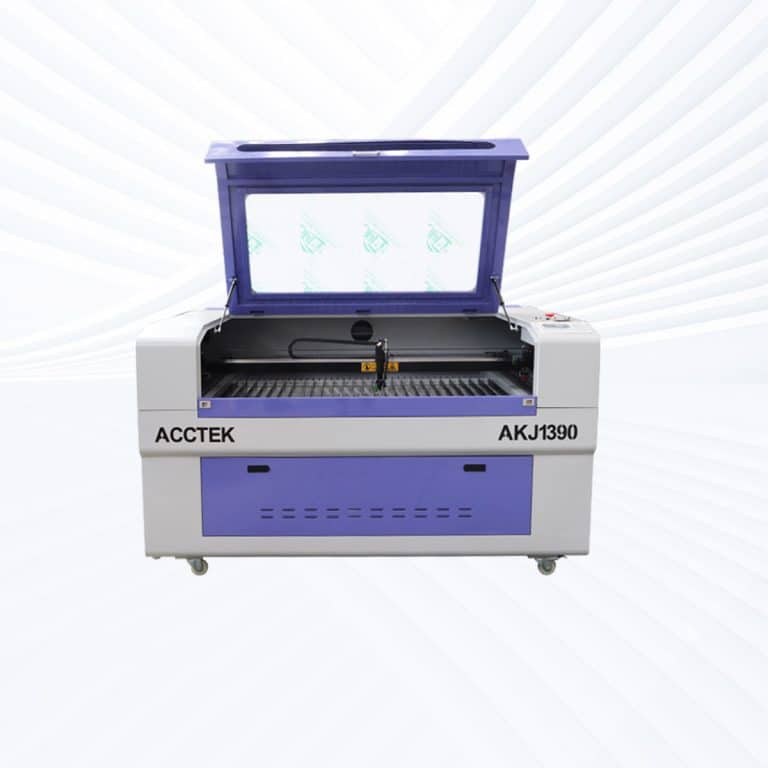
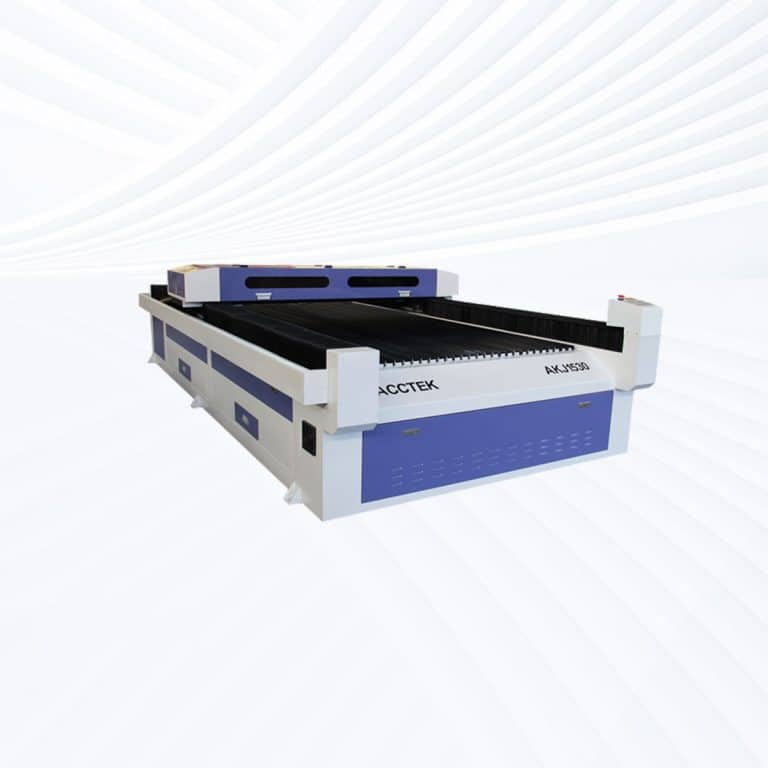
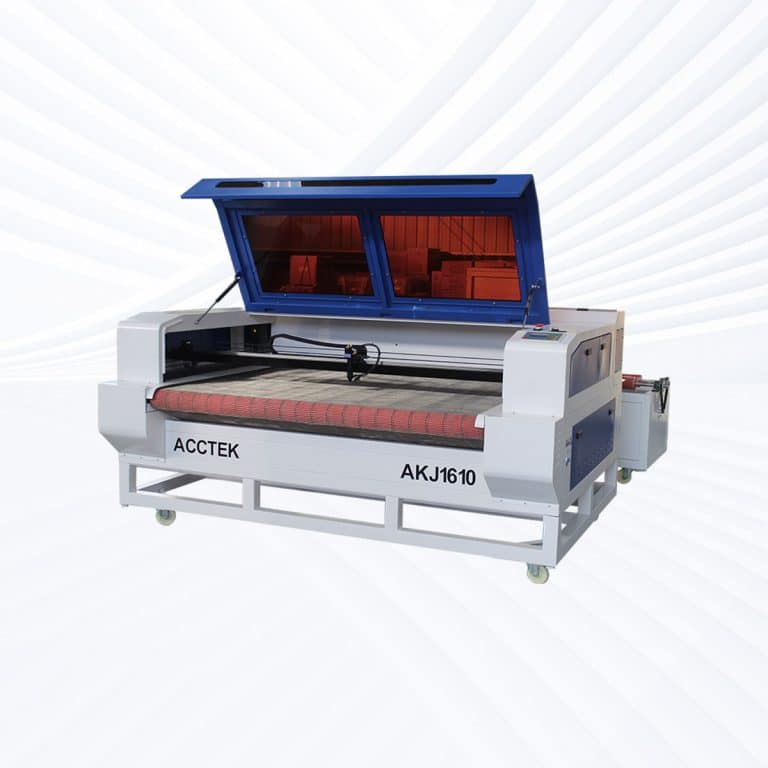
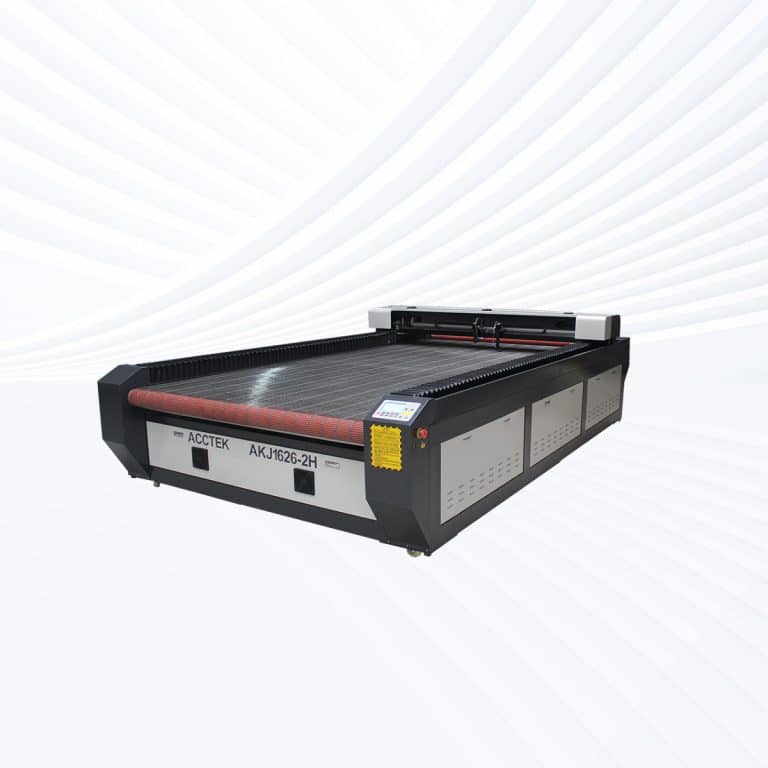
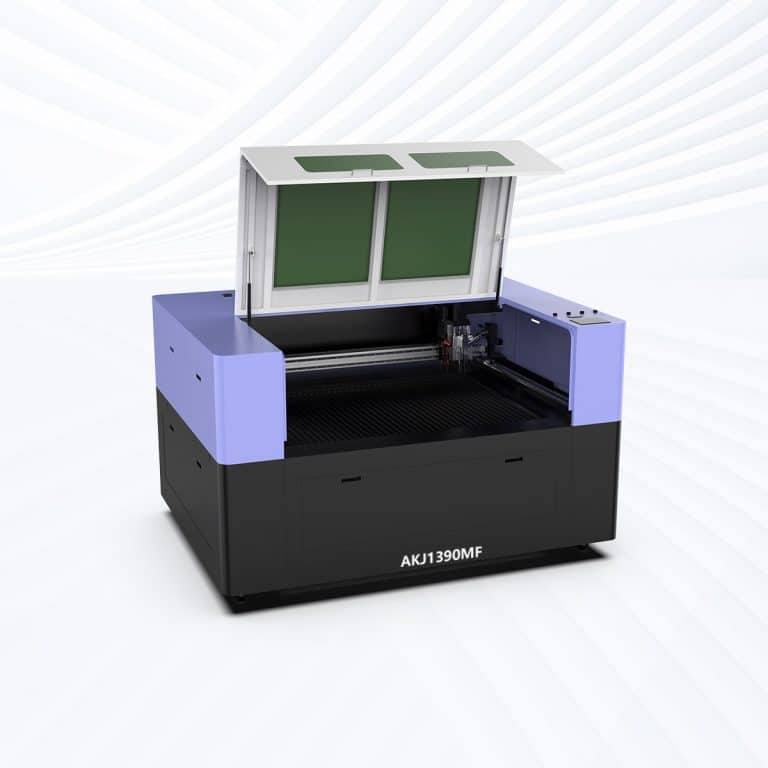
Benefits of Laser Cutting Plastic
Smooth, Polished Edges
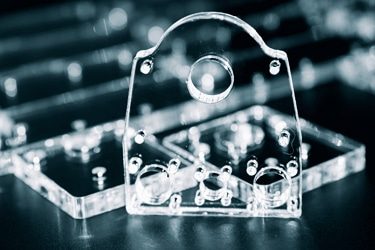
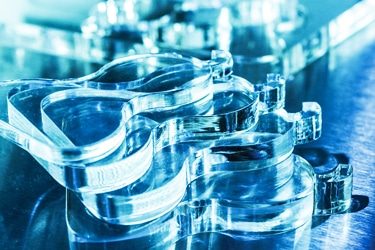
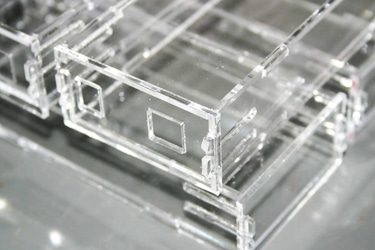
CO2 lasers produce clean, flame-polished edges on plastics like acrylic, eliminating the need for post-processing. Cuts are sharp and clear, making them ideal for signage, displays, and components that require a professional finish right off the machine.
High Cutting Precision
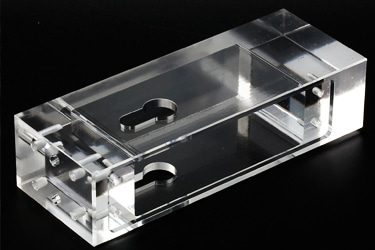
Laser beams offer pinpoint accuracy, allowing you to create intricate designs, small holes, and tight curves without distortion. This precision is essential for detailed work in electronics, prototyping, or decorative applications where consistency and accuracy are critical.
Non-Contact Cutting
CO2 lasers cut without touching the material, reducing the risk of deformation, scratches, or mechanical wear. This makes them ideal for delicate or thin plastic sheets, maintaining structural integrity and surface quality throughout the process.
No Tool Wear
Unlike mechanical cutters, laser cutting systems don’t suffer from tool degradation. This means fewer consumables, lower maintenance, and consistent cut quality over time, especially important in high-volume or long-duration production environments.
Supports Complex Designs
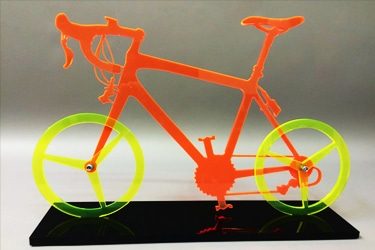
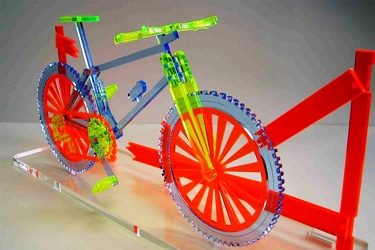
CO2 lasers can handle complex geometries, internal cutouts, and tight tolerances with ease. This allows designers to create shapes that would be difficult or impossible with traditional methods, boosting creativity and production flexibility.
Compatible with Many Plastics
These machines can cut and engrave a wide range of plastics, including acrylic, PETG, ABS, Delrin, and styrene. This versatility makes them suitable for signage, packaging, industrial parts, and custom design applications across multiple sectors.
Compatible Plastic Materials
- Acrylic
- Cast Acrylic
- Extruded Acrylic
- Two-Tone Laminated Acrylic
- Polypropylene
- Polyethylene
- High-Density Polyethylene
- Low-Density Polyethylene
- Linear Low-Density Polyethylene
- Polystyrene
- ABS
- Delrin
- Nylon
- Polyurethane
- Polyester
- PETG
- Mylar
- Polyimide
- UHMW
- FR4
- Foam-Based Plastics
- PVC-Free Vinyl Films
- Melamine-Coated Plastics
- Styrene-Acrylonitrile
- Thermoplastic Elastomers
- Polybutylene Terephthalate
- Polyacrylic Blends
- Laminated Plastic Sheets
- Powder-Coated Plastic Surfaces
- Printable Plastic Film
- Glass-Filled Nylon
- Carbon-Filled Engineering Plastics
- Bakelite
- Polycarbonate
- Urethane Plastics
- Teflon
- Fluoropolymer Blends
- Polysulfone
- Engineering Plastics
- Specialty Laser-Mark Plastics
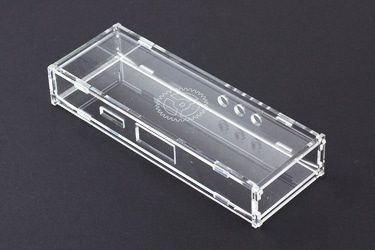
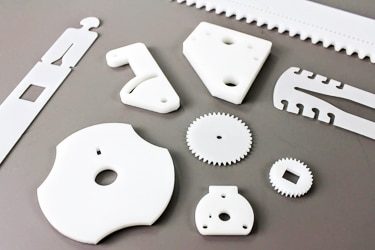
Application of Plastic Laser Cutting Machines
Customer Testimonials
Comparison VS Other Cutting Technologies
| Comparison Item | Laser Cutting | CNC Routing | Knife Cutting | Waterjet Cutting |
|---|---|---|---|---|
| Suitability for Plastic Materials | Highly suitable | Very suitable | Limited | Suitable |
| Cutting Precision | Very high | High | Medium | High |
| Edge Quality | Smooth, often polished | Good, may need finishing | Rough or compressed | Clean but wet |
| Material Deformation | None (non-contact) | Medium risk | High risk | None |
| Heat-Affected Zone (HAZ) | Small and controllable | None | None | None |
| Kerf Width | Very narrow | Medium | Narrow | Wide |
| Cutting Speed | High for thin plastics | Moderate | High for soft plastics | Slow |
| Thickness Capability | Thin to medium plastics | Medium to thick | Thin sheets | Thin to very thick |
| Tool Wear | No tool wear | High tool wear | Blade wear | Nozzle wear |
| Surface Finish Consistency | Excellent | Good | Fair | Good |
| Material Waste | Very low | Medium | Medium | High |
| Setup and Changeover Time | Very fast | Moderate | Fast | Long |
| Design Flexibility | Excellent for complex shapes | Good | Limited | Good |
| Automation and Repeatability | Excellent | Excellent | Good | Good |
| Overall Efficiency for Plastic Processing | Excellent | Very good | Fair | Good |
Why Choose Us
Advanced Technology
Our laser cutting machines feature high-speed, precision cutting with the latest laser technology, ensuring smooth edges, minimal waste, and superior efficiency across various materials and thicknesses.
Reliable Quality
Each machine undergoes rigorous quality control and durability testing to ensure long-term stability, low maintenance, and consistent high performance, even under demanding industrial conditions.
Comprehensive Support
We provide full technical support, including installation guidance, operator training, and after-sales service, ensuring smooth machine operation and minimal downtime for your business.
Cost-Effective Solutions
Our machines offer high performance at competitive prices, with customizable options to fit different production needs, helping businesses maximize their investment without compromising on quality.
Related Resources
Understanding The Odors Associated With Laser Cutting
This article provides a comprehensive guide to laser cutting odors, explaining the causes of odors, material-specific odors, health risks, and practical strategies for effectively controlling odors and ensuring safer operation.
What Safety Measures Should Be Taken When Operating Laser Cutting Machines
This article teaches the basic safety measures for operating a laser cutting machine, including hazard awareness, engineering controls, PPE, fire prevention, ventilation, training, and emergency response drills.
Addressing the Challenges of Fiber Laser Cutting: Common Problems and Solutions
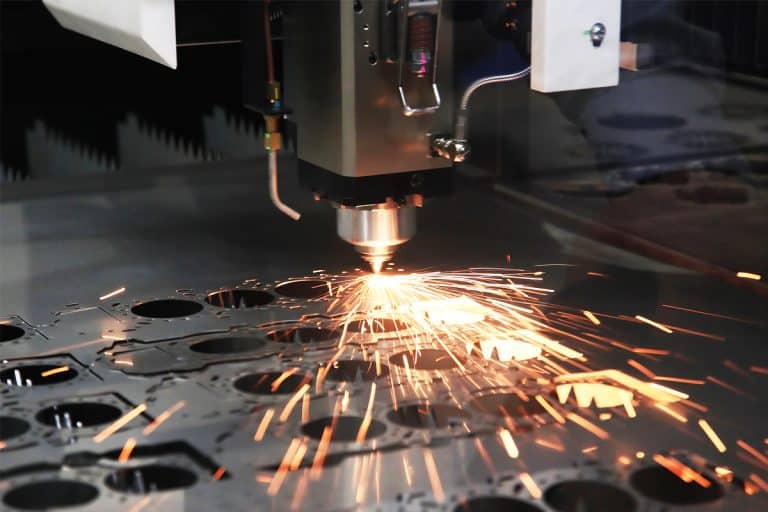
This article explores common challenges in fiber laser cutting, including material-related issues, machine performance, and operator-related problems, offering practical solutions to optimize cutting quality and efficiency.
Precautions for Operating Laser Cutting Machines
This article provides a detailed overview of basic precautions for operating laser cutting machines, covering safety risks, proper setup, operating guidelines, maintenance procedures, and emergency preparedness.
Frequently Asked Questions
Is Laser Cutting Plastic Safe?
- Acrylic (PMMA): One of the safest and most popular plastics for laser cutting. Produces smooth, flame-polished edges with minimal fumes. Suitable for signage, displays, and decorative products.
- ABS: Cuts inconsistently, with a tendency to melt and produce strong odors. Fumes can be irritating and may require enhanced ventilation. Often avoided for fine-detail work.
- Delrin (Acetal): Cuts cleanly with minimal residue but releases formaldehyde gas, which can be hazardous in high concentrations. Requires effective fume extraction.
- Polyethylene (PE) and Polypropylene (PP): Cut well, but can produce molten edges and waxy residues. Fumes are less toxic than some plastics but still require adequate ventilation.
- PVC (Polyvinyl Chloride): Never safe to laser cut. Releases chlorine gas when heated, which is highly toxic to humans and corrosive to machine components. Must be avoided entirely.
- Polycarbonate (PC): Difficult to cut cleanly with a CO2 laser. Produces discolored, charred edges and releases harmful fumes. Not recommended for laser cutting.
- Foamed Plastics (e.g., EVA, expanded polystyrene): Cuttable in some cases, but present a fire risk due to flammability. Fume extraction is necessary to control odor and particulates.
What Is The Accuracy Of Laser Cutting Plastic?
- General Accuracy Range: Well-calibrated CO2 laser cutting machines typically achieve tolerances of ±0.1 mm to ±0.2 mm when cutting plastics. For thin acrylic sheets, accuracy can be even higher, approaching ±0.05 mm, provided the machine is properly aligned and the material is flat.
- Impact of Kerf: Kerf width for plastics typically ranges from 0.1 mm to 0.4 mm, depending on lens focal length, laser power, and cut speed. Proper kerf compensation in design files ensures precise final dimensions.
What Is The Laser Power Range Available For Plastic Laser Cutting Machines?
- 60W – 80W: Ideal for thin plastic sheets and detailed engraving. Works well for acrylic up to about 8–10 mm thick and for cutting thin films or signage materials. Popular in small workshops and prototyping environments.
- 90W – 100W: Balances speed and detail for medium-thickness plastics (up to 12–15 mm acrylic) while maintaining excellent edge quality. Common in sign-making, awards, and custom fabrication businesses.
- 130W – 150W: Suitable for thicker plastic sheets (up to 20 mm acrylic in some cases) and faster cutting speeds. Often chosen for commercial production where both speed and precision are required.
- 180W – 220W: Designed for high-throughput industrial environments. Handles large-format sheets and dense plastics at rapid speeds, making it suitable for packaging, display manufacturing, and production of large acrylic panels.
- 260W – 300W: Heavy-duty systems for cutting very thick plastics or large volumes. Used in specialized manufacturing where maximum throughput is essential, though fine-detail engraving quality may be reduced compared to lower-power units.
- 500W – 600W: Rarely required for plastics alone but valuable in mixed-material cutting lines. Can process extremely thick or multi-layer plastic assemblies at high speed, often in automated industrial workflows.
What Is The Precision Of Laser Cutting Plastic?
CO2 laser-cutting machines are well-suited for plastics, offering exceptional precision and edge quality when the correct settings and optics are used. Precision depends on the machine’s mechanical accuracy, beam focus, kerf width, and the type of plastic being processed. Many plastics, particularly acrylic, respond very well to laser cutting, producing smooth, polished edges and fine details without additional finishing.
- General Precision Range: High-quality CO2 laser cutting machines typically achieve tolerances of ±0.1 mm to ±0.2 mm for most plastics. Under optimal conditions, thin acrylic sheets can reach ±0.05 mm precision, making them suitable for detailed components, inlays, and parts requiring tight fits.
- Kerf Considerations: Kerf width for plastics typically ranges from 0.1 mm to 0.4 mm, depending on the focal length of the lens, laser wattage, and cut speed. Accounting for kerf in the design phase ensures final part accuracy.
Laser cutting plastics can achieve very high precision, generally within ±0.1 mm to ±0.2 mm, with acrylic offering the most accurate and visually appealing results. Precision is influenced by material type, kerf width, and beam stability, and can be maximized by using correct settings and secure material hold-down. With proper calibration, CO2 lasers deliver clean, repeatable results, making them suitable for both decorative and functional plastic applications.
How Much Do Plastic Laser Cutting Machines Cost?
CO2 laser-cutting machines designed for plastics are available in a range of prices depending on power output, bed size, motion system speed, and additional features such as automation or air filtration. While plastics often require less power than other materials, machines for professional and industrial use are built to maintain high precision, produce polished edges, and operate reliably over extended production runs. Prices typically range from $3,000 to $15,000, with each price tier suited to a different type of user and workload.
- Entry-Level Machines ($3,000 – $6,000): Equipped with 60W–150W tubes and smaller work areas, these machines are ideal for hobbyists, small workshops, and light commercial use. They are capable of cutting and engraving thin to medium-thickness plastics such as acrylic, polypropylene, and Delrin. Best for low- to medium-volume production with a focus on fine detail.
- Mid-Range Machines ($6,000 – $10,000): Typically 150W–300W, with larger cutting beds and faster motors for improved throughput. These machines can handle thicker plastics (up to 20 mm acrylic in some cases) and offer better cooling, optics, and alignment systems. Suited for commercial workshops producing signage, displays, prototypes, and plastic components in moderate to high volumes.
- High-End Machines ($10,000 – $15,000): Industrial-grade systems with 300W–600W power, heavy-duty frames, and advanced motion controls. These are designed for high-speed production, large-format plastics, and continuous operation. Many feature automation options, such as conveyor feed systems, integrated dust/fume extraction, and precision autofocus for consistent results.
Plastic laser cutting machines range from $3,000 to $15,000, with entry-level models ideal for small-scale work, mid-range units offering a balance of power and productivity, and high-end machines built for industrial-scale output. The right choice depends on the types of plastics processed, desired cutting thickness, production speed, and whether automation or specialized edge-finishing quality is required.
What Is The Maximum Thickness Of Different Plastics That It Can Cut?
CO2 laser-cutting machines can process a wide range of plastics, but the maximum cuttable thickness depends on the laser’s power, the type of plastic, and the desired edge quality. Some plastics cut easily and cleanly at greater thicknesses, while others melt, char, or produce excessive fumes when too thick. For most commercial CO2 lasers in the 60W–300W range, maximum thicknesses vary between 1 mm for thin films and up to 25–30 mm for certain acrylics.
- Acrylic (PMMA): One of the most laser-friendly plastics, producing clean, flame-polished edges. With a 60W–100W laser, acrylic can typically be cut up to 10–15 mm thick in one pass. Higher power lasers (150W–300W) can handle 20–25 mm, although multiple passes may be required for very thick sheets.
- ABS: Cuts poorly at thicknesses above 5–6 mm due to melting, odor, and rough edge quality. Thicker ABS is generally avoided in laser cutting applications.
- Delrin (Acetal): Cuts cleanly up to around 10 mm with a good edge finish. Thicker sheets can be processed with higher wattages, but increased formaldehyde emissions require strong ventilation.
- Polyethylene (PE) and Polypropylene (PP): These low-melting plastics cut well up to 5–10 mm, but thicker sections tend to warp or melt excessively. Specialized settings and air assist are needed for thicker cuts.
- Polycarbonate (PC): Not recommended for thick cutting—CO2 lasers struggle with PC over 1–2 mm due to discoloration, charring, and toxic emissions.
- Foamed Plastics (EVA, expanded polystyrene, foamed PVC substitutes): Cutting depth depends on density. EVA foam can be cut cleanly up to 20–25 mm, while other foams may melt or ignite if cut too slowly.
- Plastic Films and Thin Sheets: Thin plastic films (0.1–1.0 mm) cut extremely easily and at high speeds, but require careful control of power to avoid melting edges or causing shrinkage.
The maximum thickness a CO2 laser can cut varies widely by plastic type. Acrylic offers the greatest thickness range, up to 25–30 mm on high-power systems, while softer plastics like PE or PP are better kept under 10 mm to avoid warping. Some plastics, such as ABS and polycarbonate, are unsuitable for thick cutting due to melting, poor edge quality, or harmful emissions. Matching the laser’s wattage, material type, and desired finish ensures both safe operation and clean results.
Does Laser Cutting Plastic Require Ventilation Systems?
CO2 laser-cutting machines can cut many plastics effectively, but the process produces fumes, vapors, and fine particulates that must be safely removed from the work area. Ventilation systems are essential not only to protect the operator’s health but also to maintain machine performance and prevent residue buildup. The exact level of ventilation required depends on the type of plastic being processed, as some plastics release relatively mild vapors, while others emit hazardous or corrosive gases when cut.
- Acrylic (PMMA): Produces a distinctive but generally low-toxicity odor when cut. Standard exhaust ventilation is usually sufficient to remove fumes and maintain a clean work environment.
- ABS: Releases unpleasant and potentially irritating fumes when cut. Ventilation with strong airflow and, ideally, a filtration system is recommended to protect the operator.
- Delrin (Acetal): Emits formaldehyde gas during cutting, which can be harmful if inhaled in significant concentrations. Requires efficient fume extraction and filtration to meet safety standards.
- Polyethylene (PE) and Polypropylene (PP): Produce waxy-smelling vapors that, while less toxic than some plastics, should still be vented to maintain safe air quality and avoid lingering odors in the workspace.
- PVC (Polyvinyl Chloride): It should never be cut with a laser due to the release of highly toxic chlorine gas, which is dangerous to humans and corrosive to machine components.
- Polycarbonate (PC): Produces a strong, unpleasant odor and yellowed cut edges. Ventilation is necessary to remove fumes and particulates, although PC is generally not recommended for laser cutting.
- Foamed Plastics: May release fine particulates and odor-causing vapors when cut. Ventilation and filtration help control airborne particles and prevent machine contamination.
Ventilation systems are essential for laser cutting plastics due to the fumes, vapors, and particulates produced during processing. While some plastics like acrylic produce relatively mild emissions, others—such as ABS, Delrin, and foamed plastics—release harmful or irritating compounds that require strong exhaust airflow and filtration. PVC should never be cut under any circumstances. Effective ventilation protects the operator, preserves machine condition, and ensures a cleaner, safer cutting environment.
Will Laser Cutting Plastic Create Heat-Affected Zones?
CO2 laser-cutting machines generate a concentrated heat source, and when used on plastics, this can produce a heat-affected zone (HAZ) along the cut edge. The HAZ is the small area where the material’s properties have been altered by the heat of the laser. In plastics, this may result in slight melting, edge rounding, or changes in color and transparency. The size and visibility of the HAZ depend on the type of plastic, laser power, cutting speed, and beam focus.
- Acrylic (PMMA): Typically exhibits a very narrow HAZ with smooth, flame-polished edges. In most cases, the HAZ is desirable for its glossy finish and does not negatively affect strength or appearance.
- ABS: Prone to a wider HAZ due to its lower melting point. The edges may soften or warp, and visible discoloration is common if excessive heat is applied.
- Delrin (Acetal): Produces a small HAZ, but prolonged exposure to heat can cause edge darkening and a slight change in mechanical properties. Maintaining optimal cutting speed minimizes these effects.
- Polyethylene (PE) and Polypropylene (PP): Low melting points can cause more pronounced melting in the HAZ, leading to slightly rounded edges. Careful adjustment of speed and air assist helps limit heat buildup.
- Polycarbonate (PC): Often shows significant heat damage when cut with a CO2 laser. The HAZ may be yellowed, rough, or charred, making PC unsuitable for high-quality laser cutting.
- Foamed Plastics: Depending on density, the HAZ can cause localized melting or shrinking around the cut edge. Light, fast passes help reduce distortion.
- Minimizing Heat-Affected Zones: Using high cutting speeds, proper power settings, good beam focus, and adequate air assist helps reduce the size of the HAZ. For heat-sensitive plastics, multiple lower-power passes can also help maintain edge quality.
Laser cutting plastics does create heat-affected zones, but their size and impact vary widely by material. Acrylic produces a clean, polished edge with minimal thermal distortion, while plastics like ABS, PP, and PC are more prone to warping, discoloration, or melting. By optimizing settings and using proper cooling and air assist, the HAZ can be minimized, ensuring precise cuts and maintaining the material’s intended properties.